



Discover the best AI tools for students in 2027. Explore AI study assistants, research tools, quiz generators and writing tools to study smarter.
Best AI Tools for Students in 2026: Top 10 Tools to Study Smarter
Technology is changing the way students learn, prepare for examinations, complete assignments and manage their daily academic tasks. Artificial Intelligence (AI) has become a useful learning companion for school students, college students and researchers. From explaining difficult subjects to creating revision notes, AI can make studying more organised and productive.
The best AI tools for students can help with different learning activities, including research, writing, mathematics, presentations, exam preparation and time management. Instead of spending hours searching for information or organising notes, students can use AI-powered platforms to make these tasks easier.
However, AI should not replace independent thinking, textbooks or teachers. It should be used as a support system that helps students understand concepts, practise questions and improve their knowledge.
In this guide, we will explore 10 useful AI tools for students, their features, benefits and practical uses. Whether you are preparing for school examinations, completing a college assignment or working on a research project, this list can help you choose the right tools.
Why Are AI Tools Important for Students?
Students often manage multiple responsibilities, such as attending classes, completing assignments, preparing for examinations and working on projects. Managing all these activities can become challenging.
AI-powered learning platforms can support students by simplifying complicated topics and helping them organise their academic work.
Here are some important benefits:
- Better understanding: AI can explain difficult topics in simple language and provide examples.
- Time management: Students can create study schedules, task lists and revision plans.
- Exam preparation: AI can generate practice questions, quizzes and flashcards.
- Research support: Students can discover relevant information and explore academic topics.
- Writing improvement: AI writing assistants can identify grammar mistakes and improve clarity.
- Personalised learning: Students can request explanations based on their learning level and subject.
The best AI tools for students are useful because they support different stages of the learning process, from understanding a topic to revising it before an examination.
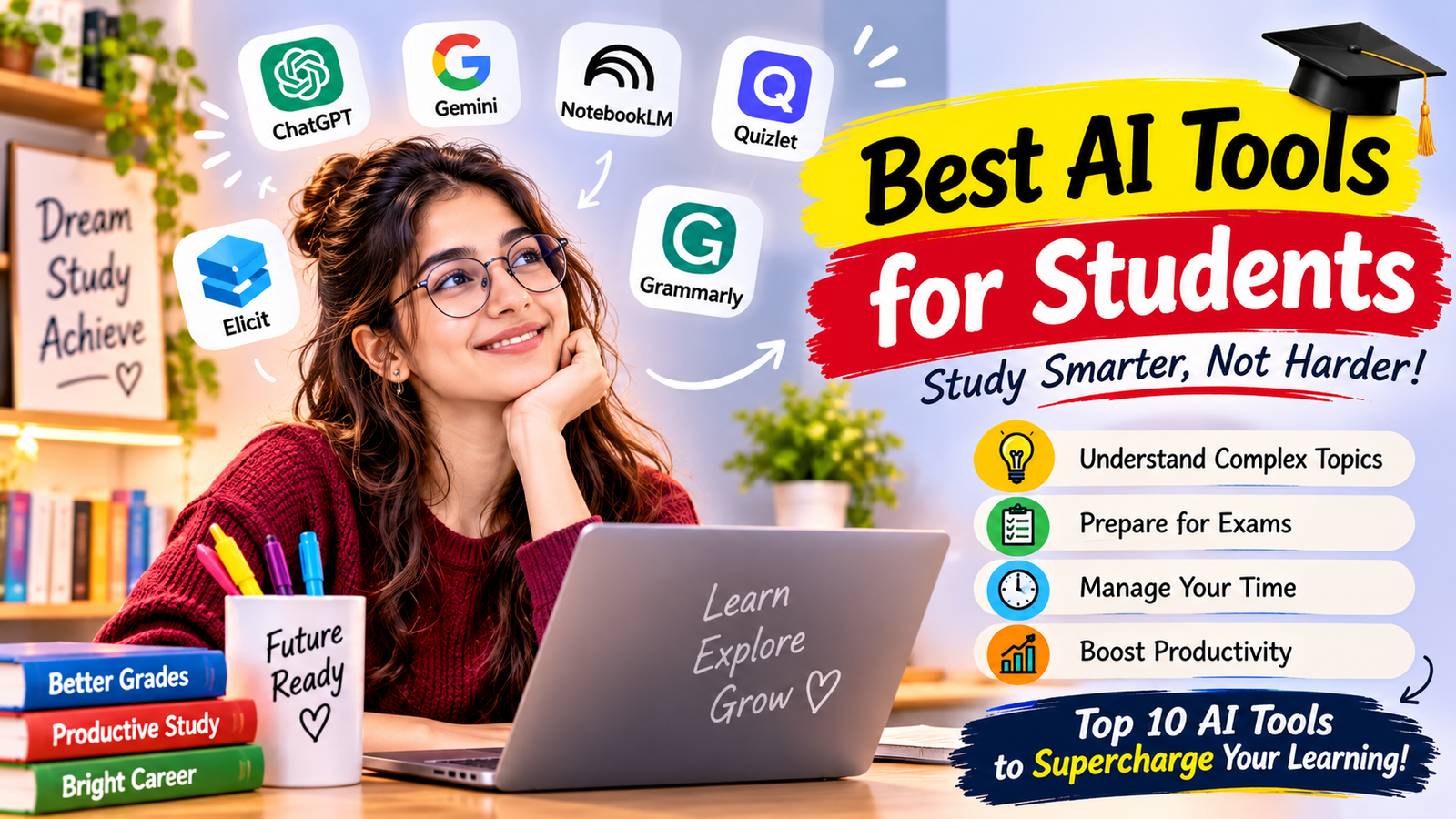
Top 10 Best AI Tools for Students in 2026
Here is a list of popular AI-powered platforms that students can explore for studying, research, writing and productivity.
1. ChatGPT – Best AI Study Assistant
ChatGPT is a versatile AI assistant that can help students understand subjects, generate ideas, practise questions and organise academic tasks.
Students can ask questions in everyday language and request explanations according to their learning level. For example, if a student finds a science topic difficult, ChatGPT can explain it step by step using simple examples.
Key Features:
- Explains difficult topics in simple language.
- Helps create study notes and summaries.
- Generates quizzes and practice questions.
- Supports brainstorming and assignment planning.
- Helps students understand mathematics, science, history and other subjects.
- Can assist with coding concepts and debugging.
Best For: Homework support, concept learning, exam preparation and general study assistance.

Website: https://chatgpt.com/
2. Google Gemini – Best for Learning and Productivity
Google Gemini is an AI assistant that can help students understand concepts, explore ideas and work with different types of information.
Students can use it to ask academic questions, generate explanations, brainstorm project ideas and organise information. Its integration with Google’s ecosystem can also be useful for students who regularly work with Google services.
Key Features:
- Provides explanations for academic topics.
- Helps brainstorm project and presentation ideas.
- Supports writing and summarisation tasks.
- Can assist with learning through guided explanations.
- Helps students explore information and solve problems.
Best For: Everyday learning, brainstorming, research support and productivity.
Website: https://gemini.google.com/
3. NotebookLM – Best for Notes and Research Materials
NotebookLM is a useful AI research and study assistant for students who work with lecture notes, PDFs and other learning materials.
Students can add supported sources and ask questions based on the information they provide. This makes it helpful when preparing for examinations or reviewing lengthy study documents.
Key Features:
- Helps summarise uploaded study materials.
- Answers questions using provided sources.
- Organises information from research documents.
- Helps create study guides.
- Supports revision and understanding of lengthy content.
Best For: Students who want to study from their own notes, documents and research materials.
Website: https://notebooklm.google.com/
4. Perplexity AI – Best for Online Research
Perplexity AI is an AI-powered search and research assistant. It can help students explore topics and discover information with links to sources.
Instead of relying only on a traditional list of search results, students can ask questions and receive organised answers with references that they can check.
Key Features:
- Helps explore academic topics.
- Provides source-linked answers.
- Supports follow-up research questions.
- Summarises information from online sources.
- Helps students discover additional reading materials.
Best For: Research projects, topic exploration and finding information online.
Website: https://www.perplexity.ai/
5. Elicit – Best for Academic Research
Elicit is an AI research assistant designed to help people work with academic papers and research literature.
College students and researchers can use it to discover relevant papers, explore research questions and organise information from scientific literature.
Key Features:
- Helps discover relevant academic papers.
- Supports literature review workflows.
- Helps extract information from research papers.
- Organises findings for further analysis.
- Makes academic research easier to explore.
Best For: College students, postgraduate students and academic researchers.
Website: https://elicit.com/
6. Grammarly – Best for Writing and Grammar
Grammarly is a writing assistant that helps students improve their written communication. It can identify grammar, spelling and punctuation issues and suggest ways to make sentences clearer.
Students can use it while preparing essays, reports, emails and other academic documents.
Key Features:
- Checks spelling and grammar.
- Suggests improvements in sentence clarity.
- Helps improve writing tone.
- Identifies punctuation mistakes.
- Supports proofreading and editing.
Best For: Essays, assignments, reports and academic writing improvement.
Website: https://www.grammarly.com/
7. Quizlet – Best for Flashcards and Exam Preparation
Quizlet is a learning platform that helps students revise information through flashcards and practice activities.
Students can use digital flashcards to remember definitions, formulas, important dates and subject-related concepts. Its study features can make revision more interactive.
Key Features:
- Creates digital flashcards.
- Supports memorisation and revision.
- Provides practice-based learning activities.
- Helps students review important concepts.
- Supports different subjects and learning topics.
Best For: Exam revision, vocabulary learning and memorising important information.
Website: https://quizlet.com/
8. QuillBot – Best for Summarising and Editing
QuillBot is a writing tool that helps students rewrite, summarise and improve written content.
It can be useful when students need to understand lengthy information or make their own writing clearer. Students should always preserve the original meaning and provide proper references when using source material.
Key Features:
- Summarises lengthy text.
- Offers paraphrasing assistance.
- Helps improve sentence structure.
- Supports grammar checking.
- Provides writing and editing features.
Best For: Summarising study material, editing drafts and improving written communication.
Website: https://quillbot.com/
9. Canva – Best for Presentations and Creative Projects
Canva is a visual design platform that students can use to create presentations, posters, infographics and educational designs.
Its AI-powered features can assist with creative tasks, while its templates make it easier for beginners to prepare professional-looking academic projects.
Key Features:
- Creates educational presentations.
- Designs posters and infographics.
- Provides ready-made templates.
- Supports visual storytelling.
- Offers AI-powered design and content features.
Best For: College projects, classroom presentations, posters and visual assignments.
Website: https://www.canva.com/
10. Wolfram Alpha – Best for Mathematics and Science
Wolfram Alpha is a computational knowledge platform that can help students solve mathematical and scientific problems.
Students can use it to explore equations, calculations and different academic topics. It is particularly useful for subjects that require mathematical reasoning.
Key Features:
- Supports mathematical calculations.
- Helps solve equations.
- Explores algebra and calculus problems.
- Provides computational answers.
- Supports science and technical subjects.
Best For: Mathematics, physics, engineering and other calculation-based subjects.
Website: https://www.wolframalpha.com/
Comparison of the Best AI Tools for Students
Choosing the right platform depends on your subject, learning requirements and budget. The following table provides a quick comparison.
| AI Tool | Best Use | Free Access |
|---|---|---|
| ChatGPT | Study assistance and explanations | Yes, with limits |
| Google Gemini | Learning and productivity | Yes, with limits |
| NotebookLM | Notes and document research | Yes, with limits |
| Perplexity AI | Online research | Yes, with limits |
| Elicit | Academic paper research | Free options available |
| Grammarly | Grammar and writing | Free options available |
| Quizlet | Flashcards and revision | Free options available |
| QuillBot | Summarising and paraphrasing | Free options available |
| Canva | Presentations and designs | Free options available |
| Wolfram Alpha | Mathematics and calculations | Free options available |
Note: Free features, usage limits and paid plans can change. Check each provider’s official website for current details.
How to Choose the Right AI Tools for Students
Not every AI platform is suitable for every student. Before choosing a tool, understand your learning requirements.
Consider these factors:
1. Identify Your Learning Needs
First, decide what you want help with. If you need explanations, choose an AI study assistant. If you work with research papers, explore academic research tools. For mathematics, use a computational tool.
2. Check Free and Paid Features
Many platforms offer free access with usage limits. Start with the free version and consider upgrading only if you regularly need additional features.
3. Focus on Accuracy
AI tools can sometimes generate incorrect or outdated information. Always verify important facts using textbooks, official websites, academic papers or guidance from teachers.
4. Consider Privacy
Avoid uploading personal information, passwords, confidential documents or sensitive academic records. Review the privacy policies and account settings of the platforms you use.
5. Follow Academic Rules
Different schools and universities have different policies about AI use. Follow your institution’s guidelines and disclose AI assistance when required.
How Students Can Use AI Tools in Their Daily Study Routine
AI becomes more useful when students use it as part of a planned learning routine.
Here is a simple example:
- Morning: Use an AI assistant to plan the day’s study tasks.
- During classes: Organise lecture notes and identify topics that need more attention.
- Afternoon: Ask an AI tutor to explain difficult concepts.
- Evening: Use flashcards and quizzes to revise important topics.
- Before examinations: Create a revision timetable and practise questions.
- For assignments: Use writing assistants to review grammar and improve clarity.
This approach helps students combine traditional learning methods with modern AI-powered study tools.
Important Tips for Using AI Responsibly
Although AI offers many benefits, students should use it carefully.
- Do not copy AI-generated answers without understanding them.
- Verify facts, statistics and references before including them in assignments.
- Use AI to learn concepts rather than avoid learning.
- Follow your school’s or university’s academic integrity policy.
- Do not depend on AI for every answer.
- Practise solving questions independently.
- Protect your personal information and study documents.
Remember, the purpose of AI in education is to support learning, not replace a student’s knowledge, creativity or critical thinking.
Conclusion: Which Are the Best AI Tools for Students in 2027 ?
The best AI tools for students can make learning more organised, interactive and productive. From ChatGPT and Google Gemini to NotebookLM, Perplexity, Grammarly and Quizlet, every platform offers different features for academic activities.
If you are a beginner, start with ChatGPT for explanations, NotebookLM for your study materials and Quizlet for revision. You can add other tools depending on whether you need research support, writing improvement, presentations or mathematical calculations.
The most important thing is to choose tools that match your learning goals. Use AI to understand difficult subjects, practise regularly and improve your academic skills. When combined with textbooks, teachers and independent study, AI can become a valuable learning companion.
FAQs
1. What are the best AI tools for students in 2026?
Some useful AI tools for students include ChatGPT, Google Gemini, NotebookLM, Perplexity, Elicit, Grammarly, Quizlet, QuillBot, Canva and Wolfram Alpha. Each platform supports different academic activities.
2. Which AI tool is best for studying?
ChatGPT is a flexible option for understanding concepts and practising questions. NotebookLM is useful for studying from personal notes and documents, while Quizlet supports flashcard-based revision.
3. Are there free AI tools for students?
Yes. Several platforms offer free access or free plans, including ChatGPT, Gemini, NotebookLM, Perplexity, Grammarly, Canva and QuillBot. However, some features may require a paid subscription.
4. Can AI tools help students prepare for exams?
Yes. Students can use AI to create revision schedules, generate practice questions, explain difficult topics and prepare flashcards. They should also practise with textbooks and previous examination papers.
5. Which AI tool is best for writing assignments?
Grammarly can help improve grammar and clarity, while ChatGPT can support brainstorming and outlining. Students should write and review their own work and follow their institution’s AI policy.
6. Which AI tool is best for academic research?
Perplexity can help discover information with linked sources, while Elicit is designed for exploring academic research papers. Students should verify sources and read the original research.
7. Can AI replace teachers?
No. AI can support learning by explaining concepts and providing practice, but teachers offer human guidance, classroom interaction, feedback and subject expertise that AI cannot fully replace.
8. How can students use AI responsibly?
Students should use AI for explanations, revision and research support, verify important information, protect personal data and follow their institution’s academic integrity rules.
[…] ALSO READ: Best AI Tools for Students in 2027 […]